स्याही के रंग के अनुसार
इस पेज का उपयोग तब करें जब आपको पहले से पता हो कि कौन-सा ink channel कमजोर है, गायब है, या गलत tone प्रिंट कर रहा है। एक targeted color sheet एक समय में एक channel को बिना अंदाज़ा लगाए टेस्ट करने का सबसे तेज़ तरीका है।
नीले, teal, sky tones और cool tones कमजोर, patchy या गायब दिखते हैं।
लाल, गुलाबी, बैंगनी और skin tones अपनी गर्माहट खो देते हैं या green / yellow की ओर shift हो जाते हैं।
गर्म रंग फीके पड़ जाते हैं, greens नीले लगने लगते हैं, या highlights ठंडी और सपाट दिखती हैं।
Text धूसर दिखता है, lines कमजोर दिखती हैं, या गहरे black areas धुले हुए लगते हैं।
अंदाज़ा लगाने की बजाय मार्गदर्शित purge page से शुरू करें।
एक शीट चुनें
नीचे दी गई हर linked card सीधे color page खोलती है। कोई registration नहीं और व्यक्तिगत उपयोग के लिए यह मुफ्त है।



कैसे तय करें
| क्या गलत दिख रहा है | शुरू करने के लिए सबसे अच्छा पेज |
|---|---|
| नीले, teal, sky tones या cool images कमजोर या टूटी हुई दिखती हैं | Cyan |
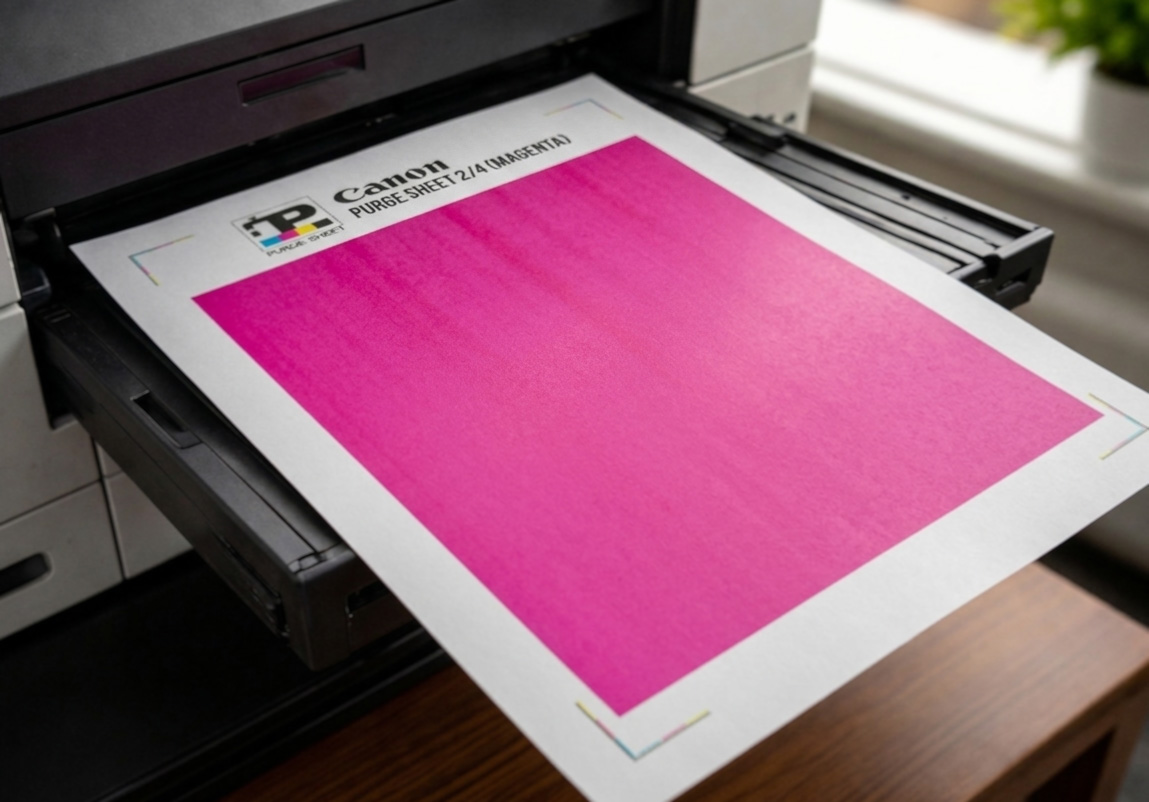
| लाल, गुलाबी, बैंगनी या skin tones अपनी गर्माहट खो देते हैं | Magenta |
| गर्म रंग फीके पड़ते हैं, greens नीले हो जाते हैं, या yellow गायब हो जाता है | Yellow |
| Text कमजोर है, black blocks धुले हुए हैं, या black gray दिखता है | Black |
| एक से अधिक रंग गलत दिख रहे हैं या आपको पूरी तरह पता नहीं कि कौन-सा channel fail हुआ | मार्गदर्शित Purge Print |
Targeted sheets का उपयोग इस क्रम में करें
- जो रंग कमजोर या गायब दिख रहा है, पहले वही प्रिंट करें।
- देखें कि fill ज़्यादा even और solid हुआ या नहीं।
- ज़रूरत हो तो printer की built-in cleaning चलाएँ और फिर test करें।
- अगर कई रंग बिगड़े हुए हैं, तो अंदाज़ा लगाना बंद करें और मार्गदर्शित Purge Print का उपयोग करें।

Inkjet बनाम laser:
ये color sheets inkjet printers के लिए सबसे अधिक उपयोगी हैं, जहाँ targeted full page किसी एक channel को exercise करने और कमजोर रंग को साफ़ दिखाने में मदद करती है। Laser printers पर full-page cyan, magenta, yellow या black print, असली purge से ज़्यादा diagnostic page की तरह काम करती है।
- कमज़ोर रंग, streaks, repeating marks, haze या contamination पहचानने में सहायक।
- यह inkjet nozzles साफ़ करने या wet ink को printhead में flush करने जैसा नहीं है।
- Full-coverage pages बहुत ink या toner इस्तेमाल करती हैं, इसलिए उन्हें बिना सोचे-समझे बार-बार न दोहराएँ।
Direct links: Cyan · Magenta · Yellow · Black · मार्गदर्शित Purge Print
Purge to Fix
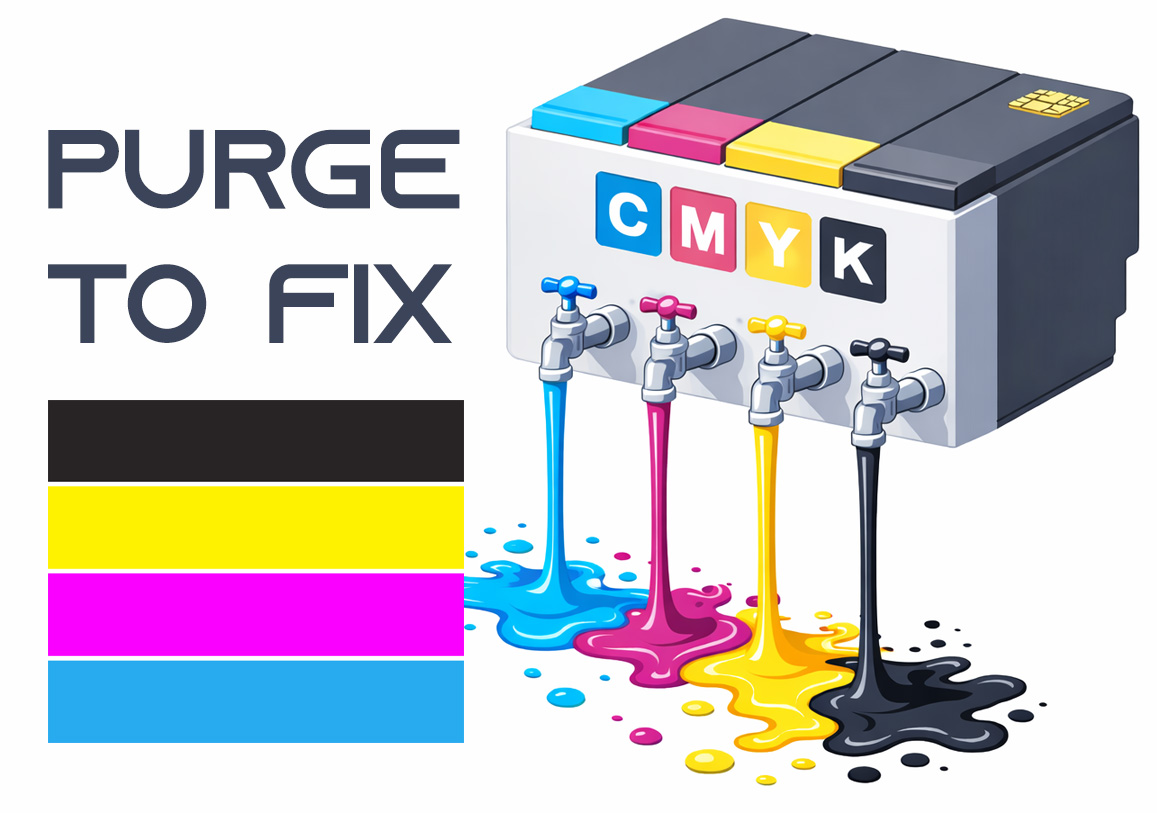
Printing a purge sheet can restore print quality and eliminate the need for a professional service visit. This DIY maintenance routine is highly effective for clearing clogged nozzles and dried ink buildup that causes horizontal banding or missing colors. While not a 100% fix for mechanical failure, it is the best first step for ink flow issues.