अतिरिक्त maintenance downloads
ये आपके printer की मदद के लिए कुछ miscellaneous downloads हैं। जब library बड़ी होगी, तो मैं इन्हें शायद categories में व्यवस्थित करूँगा, लेकिन अभी हमारे पास सबसे common files ही हैं, इसलिए scroll करके ज़रूरी चीज़ ढूँढना मुश्किल नहीं होना चाहिए।
यहाँ की हर file preview के साथ बनी हुई printer test PDF है, ताकि आपको ठीक-ठीक पता हो कि आप क्या डाउनलोड कर रहे हैं। कोई registration नहीं, कोई forms नहीं, और कोई extra झंझट नहीं—बस click करें और डाउनलोड करें। मैंने इसे जानबूझकर तेज़ और आसान रखा है! अगर ये आपकी print quality सुधारने में मदद करें, तो अच्छा लगेगा अगर आप यह साइट किसी दोस्त को recommend करें।
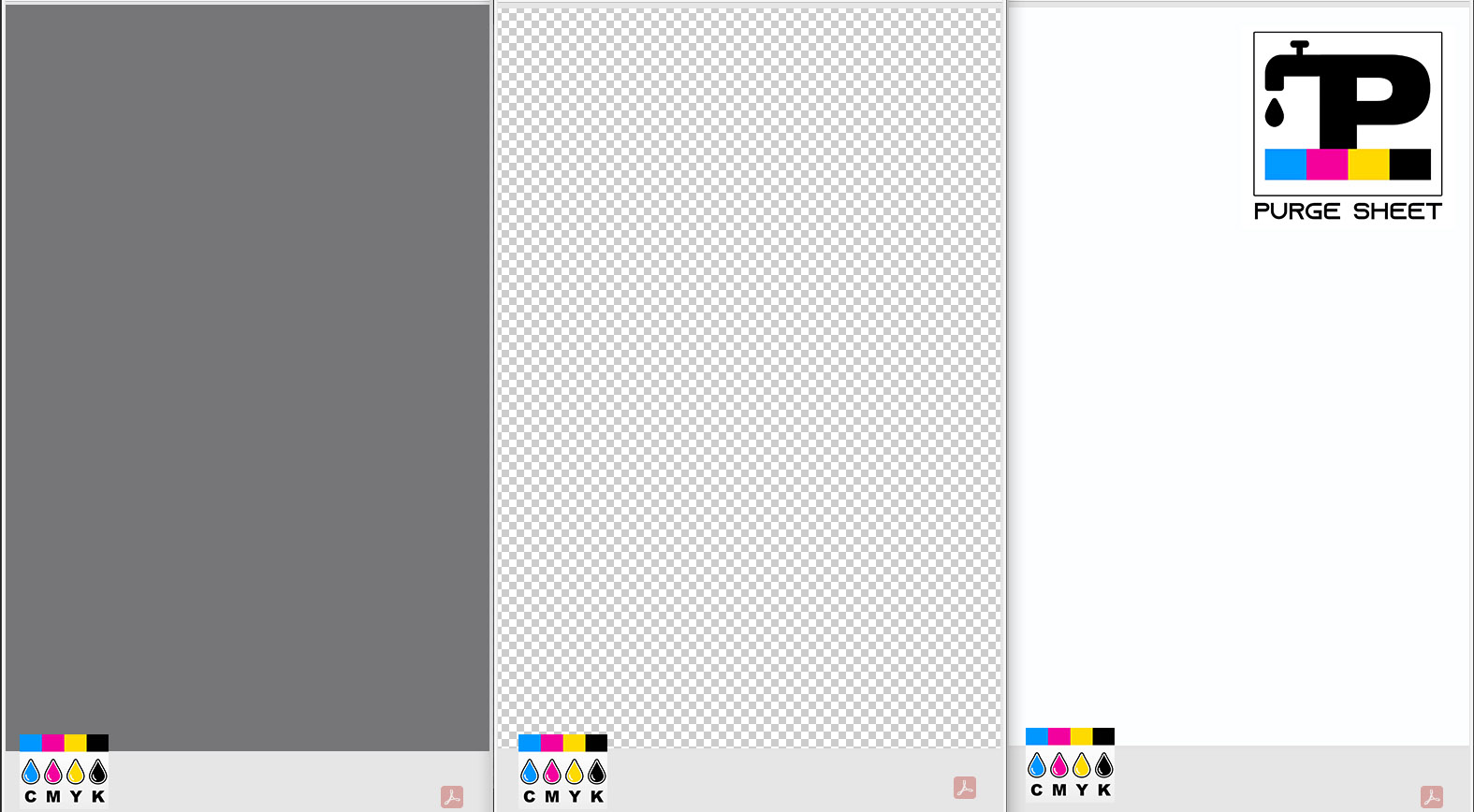
प्रिंट करने योग्य PDF पेज की preview:
इस preview में PDF transparency को checkered pattern से नहीं दिखाया गया है, इसलिए यह सफेद background वाला लग सकता है, लेकिन वास्तव में यह transparent है।

खाली (Transparent) Test Page (PDF) में कोई background नहीं है
यह blank transparent A4 page बिना background के है, लेकिन फिर भी A4 dimensions में formatted है। बाईं ओर का preview ठीक वही दिखाता है कि यह file सामान्य browser में कैसी दिखेगी। आप जब चाहें इस file को edit या print कर सकते हैं।
उपयोगी है:
बिना ink या paper बर्बाद किए printer action चलाने के लिए;
बिना ink खर्च किए printer alignment, margins और paper feed test करने के लिए;
जब कोई actual printing नहीं हो रही हो तब printer smears या splatter दे रहा है या नहीं, यह प्रभावी ढंग से जाँचने के लिए;
pre-formatted template से अपनी खुद की accurate A4 formatted page बनाने के लिए;
अपनी personal files किसी third party को दिए बिना PDF attachment test के रूप में उपयोग करने के लिए;
troubleshooting scenarios में print queues, drivers या spooler behavior test करने के लिए (accidental printing से सुरक्षित);
PDF file template पाने के लिए नीचे download button पर क्लिक करें।
प्रिंट करने योग्य PDF पेज की preview:
नीचे वाला यह solid white background है। ऊपर वाली file no background (transparent) है।

Blank White Test Page (PDF) में solid white background है
इसका उद्देश्य transparent no-background file जैसा ही है, लेकिन इस case में solid white दिया गया है यदि आपको यही चाहिए। अधिकांश machines transparent को white मानती हैं, लेकिन अगर आपका printer “कुछ नहीं” प्रिंट करने से मना करता है, तो यह white background option काम कर सकता है और printing allow कर सकता है।
PDF file template पाने के लिए नीचे download button पर क्लिक करें।
प्रिंट करने योग्य PDF पेज की preview:
Blank 18% gray Test Page (PDF) में solid gray background है जिसे CMYK में 18% gray पर सेट किया गया है
PDF file template पाने के लिए नीचे download button पर क्लिक करें।
प्रिंट करने योग्य PDF पेज की preview:

Blank 50% gray Test Page (PDF) में solid gray background है जिसे CMYK में 50% gray पर सेट किया गया है
PDF file template पाने के लिए नीचे download button पर क्लिक करें।
Pro-Tip: Don’t Skip the Details! To get the best results, make sure you are printing the actual PDF file and not the preview image (JPG). A JPG won't have the color accuracy needed for a proper calibration, so following the steps is key!
Take your time and follow the instructions - these tools are designed to save your printer, but they only work if used as intended. Still feeling stuck or confused? Don't worry - just contact us online, and we'll help you get back on track.
स्टेप 1: Preparation & Printing
- Settings मायने रखती हैं: इस PDF को 100% scale (Actual Size) पर प्रिंट करें। “Fit to Page” का उपयोग न करें, क्योंकि इससे alignment बदल सकती है और test pattern distort हो सकता है।
- Quality check: Printer driver को Best या Photo mode पर सेट करें। “Draft” या “Eco” modes से बचें, क्योंकि ये banding और density loss जैसे defects छिपा सकते हैं।
- Media type: चुना गया paper type (जैसे “Plain Paper”, “Glossy Photo”) tray में रखे कागज़ से मेल खाना चाहिए। Media settings का mismatch color shifts का सामान्य कारण है।
स्टेप 2: Diagnosis & Evaluation
- Defects पहचानें: Output में horizontal banding (white lines), streaks, या fuzzy text देखें।
- Inkjet printers: Defects अक्सर clogged nozzle की ओर इशारा करती हैं। Nozzle check और cleaning cycle चलाएँ।
- Laser printers: Defects dirty drum, contamination, या low toner density का संकेत हो सकती हैं।
- Color accuracy: Printed gradients को on-screen file से तुलना करें। Displays (RGB) light emit करती हैं, जबकि prints (CMYK) उसे reflect करते हैं, इसलिए थोड़ा variance सामान्य है। लेकिन अगर कोई channel गायब हो (जैसे Yellow बिल्कुल न हो), तो यह एक fault है जिसे तुरंत maintenance चाहिए।
स्टेप 3: Maintenance की best practices
- नियमित उपयोग: Inactivity खराबी का एक बड़ा कारण है। समय के साथ ink सूख और जम सकती है, जिससे clogs और inconsistent output का जोखिम बढ़ता है।
- Preventive testing: Ink flowing बनाए रखने और consistent reference baseline रखने के लिए सप्ताह में कम-से-कम एक बार CMYK Test Page प्रिंट करें।
- Storage conditions: Printheads, rollers और toner drums की सुरक्षा के लिए printer को heat, dust और humidity से दूर, stable environment में रखें।
Purge to Fix
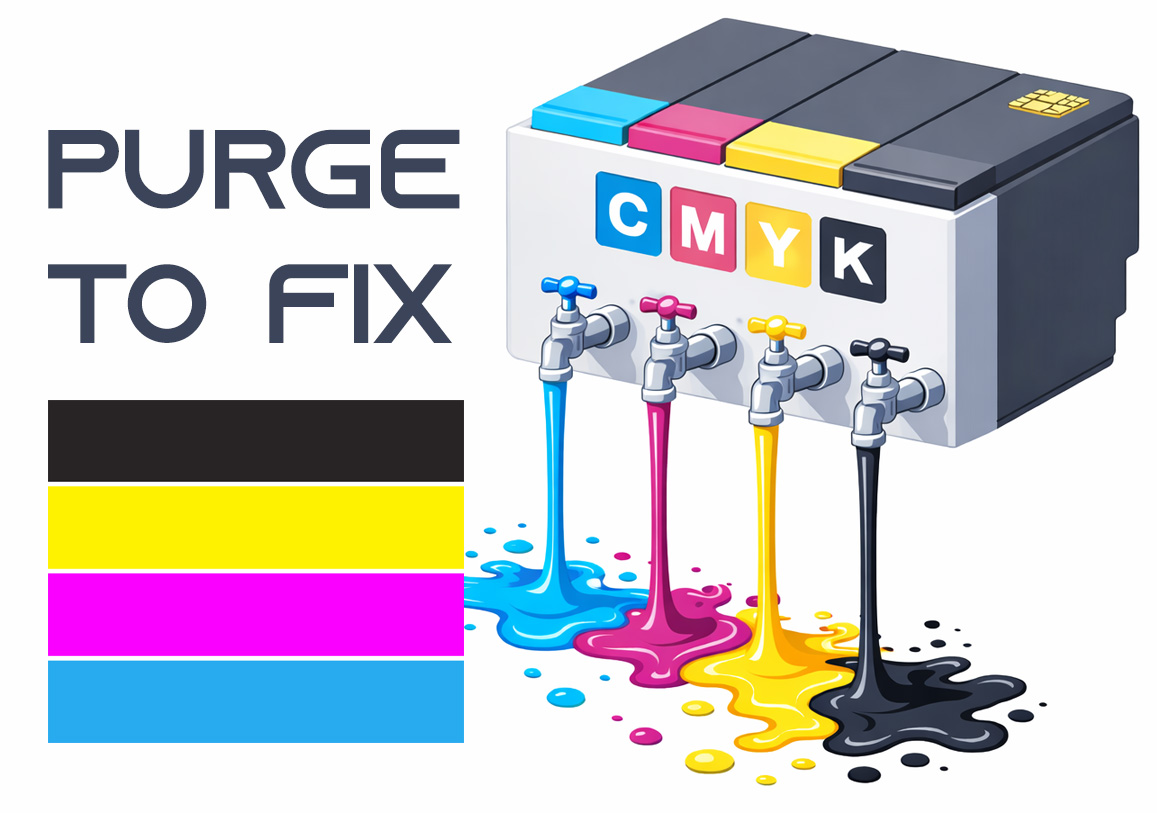
Printing a purge sheet can restore print quality and eliminate the need for a professional service visit. This DIY maintenance routine is highly effective for clearing clogged nozzles and dried ink buildup that causes horizontal banding or missing colors. While not a 100% fix for mechanical failure, it is the best first step for ink flow issues.